
HTML & CSSTotal 71 articles 第5页
Web development relies on HTML (HyperText Markup Language) and CSS (Cascading Style Sheets) as its foundation. HTML creates the structure and content of web pages, while CSS controls the style and layout.
Sort
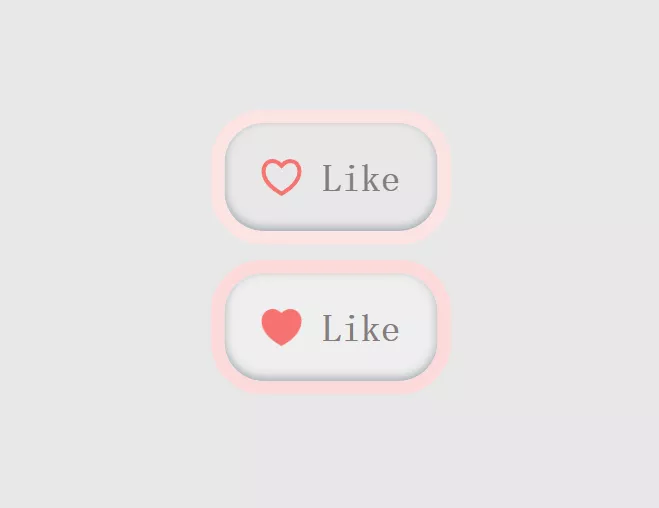
Implementing a Heart-shaped Like Button Using HTML/CSS
This article will introduce how to use HTML and CSS to create a cute yet practical like button, making your webpage or application more lively and engaging. Below is the specific c...
 1 Jan 4 Thu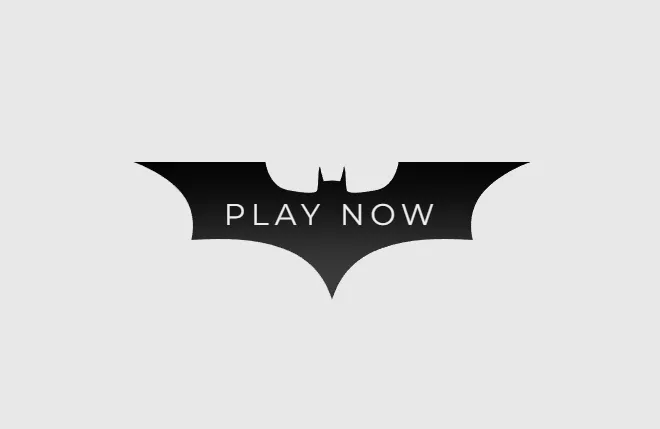
Creating a Batman Icon Button Using HTML/CSS
In web design, buttons are an essential element. They are not only used to trigger actions but also serve as visual focal points on a page. Batman, as a superhero under DC Comics, ...
1 Jan 4 Thu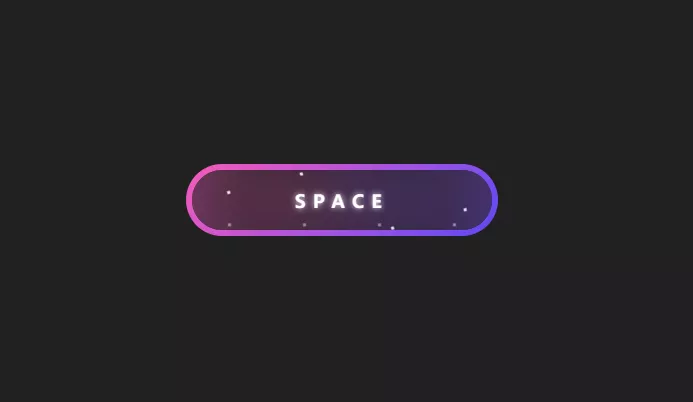
Create a glowing effect button using HTML/CSS
This code will generate a button with a glowing effect. Adjust the colors, shadow sizes, and transition durations as needed to achieve the desired glowing effect for your button. H...
1 Jan 2 Tue
Creating a 3D Search Button Using HTML/CSS
In web design and development, the search button is an essential component that provides users with a quick way to find the information they need. However, traditional search butto...
1 Jan 5 Fri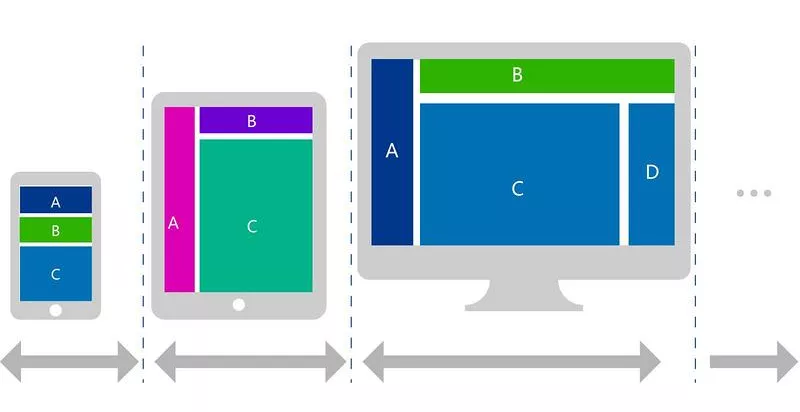
Implementing Responsive Layout with CSS
Use CSS media queries to create a responsive layout that ensures your website delivers a good user experience across various devices. Adjust the size, position, and style of elemen...
12 Dec 28 Thu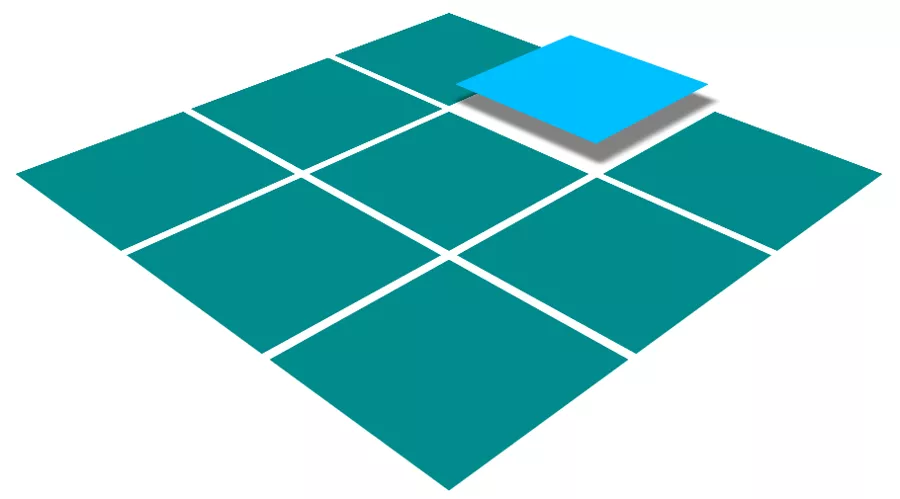
Implementing Hover Effects with CSS
By using the CSS :hover pseudo-class and transform property, you can create various hover effects for elements, such as scaling, rotating, tilting, and more. .box { transition: tra...
12 Dec 28 Thu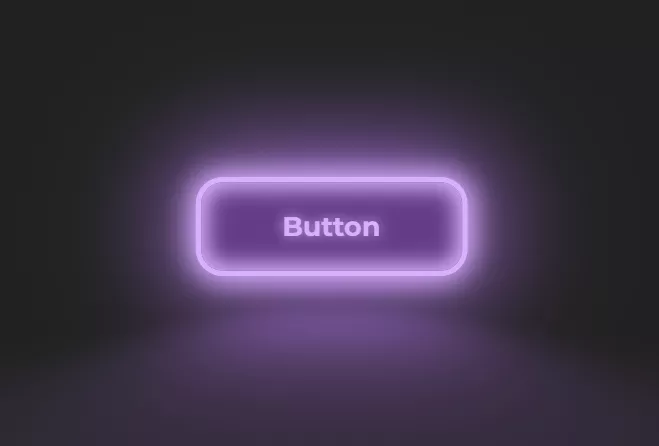
Creating a Fluorescent Light Effect Button Using HTML/CSS
This is a pure CSS fluorescent light text blinking animation effect. In the HTML structure, the effect adds '::after' to the button text and uses CSS code to create the fluorescent...
12 Dec 29 Fri
Creating Spotify Icon Button Using HTML/CSS
In the digital music era, Spotify, as a globally leading streaming music platform, has a highly recognizable icon. By using HTML and CSS, we can create a button resembling the Spot...
1 Jan 8 Mon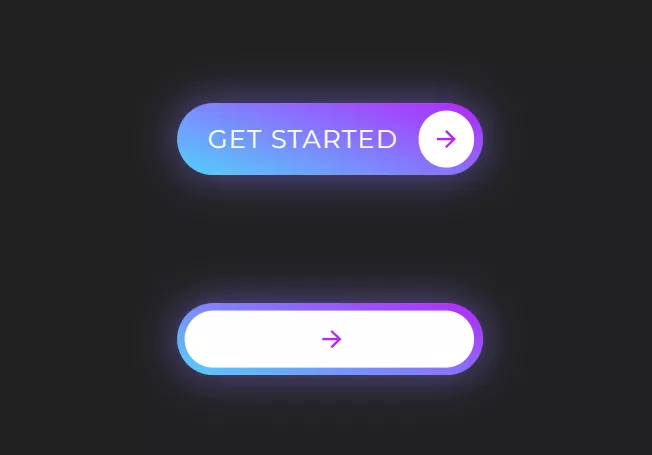
Implementing a Gradient Start Button Using HTML/CSS
In web design and development, buttons are one of the crucial elements for user interaction. A beautifully designed and fully functional button not only enhances user experience bu...
1 Jan 8 Mon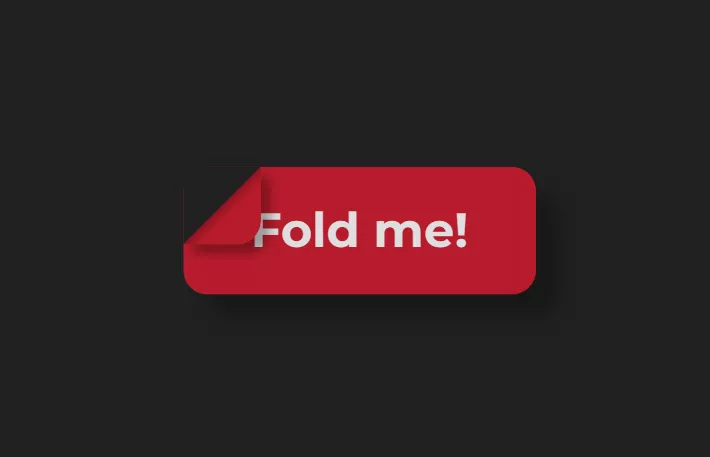
Create a button with a torn label effect using HTML/CSS
Creating a button with a torn label effect purely using HTML and CSS involves a bit of styling to simulate the torn paper appearance. Here's an example: HTML <button> <b>Fold...
1 Jan 2 Tue