

雷顿教授与恶魔之箱 NDS cheat codes are prepared from the original .cht cheat file for Nintendo DS-compatible emulators and cheat loaders. This entry is organized by release code 1739C and region Chinese.
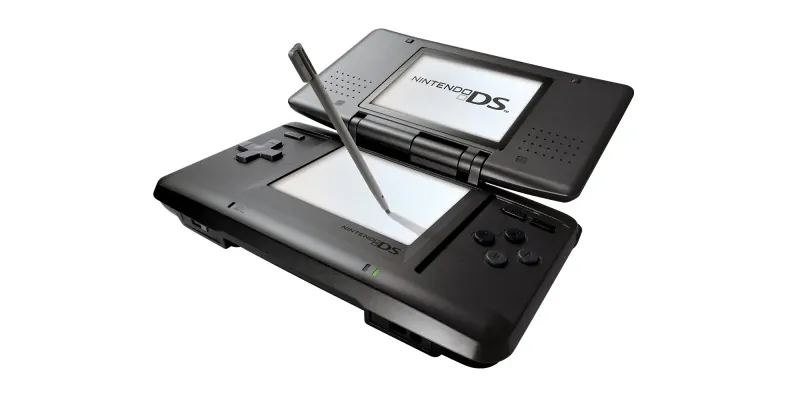
Official platform media source: Nintendo DS Family.
NDS Cheat Code Details
Game Name: 雷顿教授与恶魔之箱
Platform: Nintendo DS
Cheat Code Version: CHT release file
Release / Database ID: 1739C
Region: Chinese
Source File: 1739C- 雷顿教授与恶魔之箱【中】.cht
Cheat Entries: 13
Entries With Codes: 13
Cheat Code Features
- <Select>提示硬币
- <Select>硬币上限
- <Select>闪光点数
- <Select>线索全开
- <Select>深化谜题全开
- <Select>谜题全解
- <Select>日记全开
- <Select>照相机完成
- <Select>写真CG全开
- <Select>全道具
- <Select>茶具茶叶全开
- <Select>资料鉴赏全开
Protected Cheat Code Content
password: www.imwmi.com
How to Use NDS Cheat Codes
- Back up your save data before enabling any cheat code.
- For RetroArch-based Nintendo DS cores, place the
.chtfile in the matching RetroArch cheats folder, then open Quick Menu, choose Cheats, load the cheat file, enable the codes you want, and apply changes. - For DeSmuME, DraStic, flashcart kernels, or other loaders that do not import this exact
.chtformat, copy the individual Action Replay code lines fromcheat*_code. If your loader expects one code per line, replace the plus signs with line breaks before importing. - Use only the file that matches the same game release, region, and ROM revision. If a code freezes the game, disable it and test fewer codes at the same time.
Usage Notes
Some Nintendo DS cheat codes are version-specific. Codes made for another region or ROM revision may not work correctly. Enable cheats gradually, keep a clean save backup, and restart the emulator or console after changing large code sets.
THE END





No comments yet