

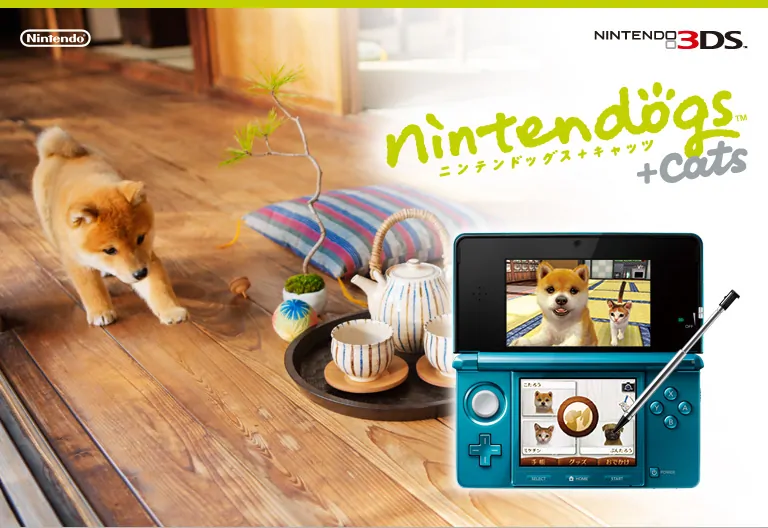
Nintendogs + Cats: Golden Retriever & New Friends 3DS cheat plugin for NTR. This entry covers Title ID 0004000000030D00, region USA, and plugin file cheat.plg.
Nintendogs + Cats: Golden Retriever & New Friends is a Nintendo 3DS title. This 3DS cheat plugin entry is prepared for the matching Title ID and NTR plugin file.
Official game media source: Nintendo.
3DS Cheat Plugin Details
Game Name: Nintendogs + Cats: Golden Retriever & New Friends
Original / Regional Name: Nintendogs + Cats: Golden Retriever & New Friends
Platform: Nintendo 3DS
Title ID: 0004000000030D00
Region: USA
Serial: CTR-ADAE
Plugin File: cheat.plg
Plugin Size: 996,548 bytes
Protected Plugin Package
password: www.imwmi.com
How to Use This 3DS Cheat Plugin
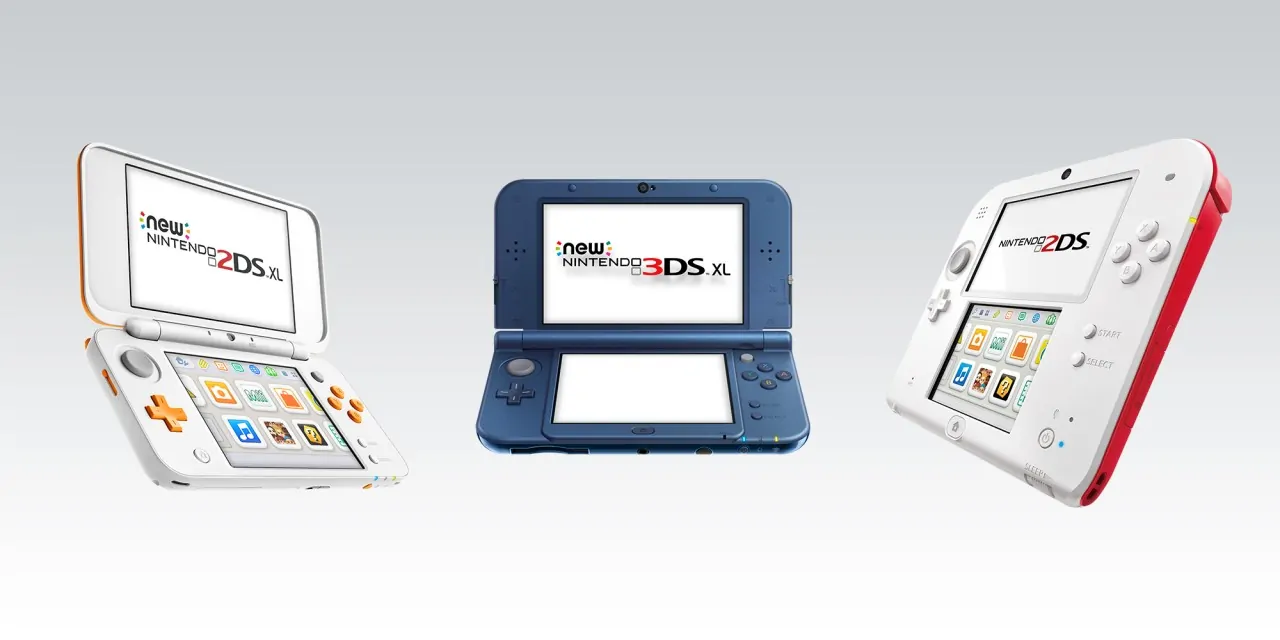
New 2DS, New 3DS, and New 3DS XL
- Use an SD card reader to connect the Nintendo 2DS/3DS SD card to your computer.
- Copy the plugin folder to the root of the SD card. If a matching plugin folder already exists, remove the old matching folder first, then copy the new one.
- Copy NTR.cia to the cia folder on the SD card. Create the cia folder if it does not exist.
- Install NTR.cia with the CIA installer already available on your 3DS system.
- Connect the 3DS to Wi-Fi, return to the HOME Menu, and launch the NTR cheat application.
- On first setup, choose Use default, open Save settings, select 3.6, then wait about five seconds for the system to return to the HOME Menu.
- Power off and restart the console, connect to Wi-Fi again, launch the NTR cheat application one more time, choose Use default, open Save settings, select 3.6, and wait for it to return to the HOME Menu.
- Start the game, press Y + X in-game to open the cheat menu, choose the in-game plugin, press A to enable a code, then press X to return to the game.
Old 3DS Notes
- For Old 3DS systems, use the old 3DS NTR package when required by the game/plugin.
- Copy the plugin folder to the root of the SD card and allow overwrite if prompted.
- Copy the old 3DS NTR CIA file to the cia folder, install it with your CIA installer, then launch the NTR application while connected to Wi-Fi.
- Choose Use default, open Save settings, select 3.6, wait until Success appears on the upper screen, then press HOME without closing NTR and launch the game.
- Inside the game, press Y + X to open the cheat menu, choose the in-game plugin, press A to enable a code, then press X to return to the game.
Important Notes
- After starting NTR once, open only one game. Reboot the console before switching to another game, otherwise the console may freeze.
- Use only the plugin that matches the game Title ID and region.
- Back up save data before testing cheat plugins.
Usage Notes
Use this Nintendo 3DS cheat plugin only with the matching Title ID and region shown above. Keep a backup of your save data before enabling cheats, test one option at a time, and reboot the console before switching to another game after NTR has been started.

![Ruīji Manshon [Rev 1] 3DS Cheat Plugin-PANDA](https://oss.imwmi.com/file/imwmi/webp/2026/07/ruaji-manshon-rev-1-00040000001d1800-3ds.webp)


No comments yet